Film · 8 Nov 2026
Where Do Your Deleted Photos Actually Go?
Short answer: When you delete a file, your computer removes only its name and marks its space as free. The data itself stays on the drive until something new is written over it, which is why deleted photos and files can often be recovered.
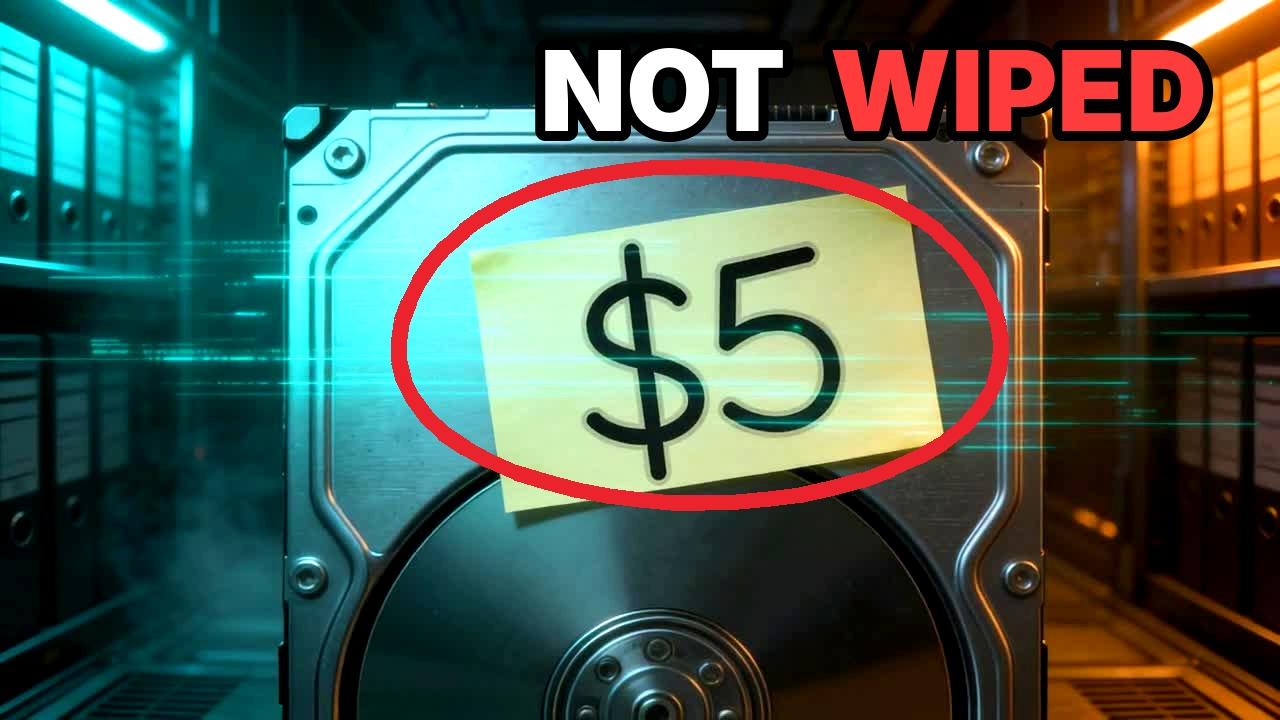
In the early 2000s, two MIT students bought 158 used hard drives. Only about 1 in 10 had really been wiped. In this film I take you inside the drive: what delete really does, how recovery works, why SSDs forget faster, and how to delete for real before you sell or give away a laptop or phone.
Chapters
- 0:00 Are deleted files really deleted?
- 1:03 How deleted files first came back (1982)
- 1:35 How a hard drive stores your files
- 2:30 What delete really does
- 3:19 How deleted files are recovered
- 4:34 Can you recover deleted files from an SSD?
- 5:37 How to permanently delete your files
Transcript
0:00 Are deleted files really deleted?
You pressed delete. The file is gone. Except it isn't.
A used hard drive. Five dollars. Its owner had deleted everything on it.
In the early 2000s, two MIT students bought 158 used drives like it.
Many had been formatted. But one still held a year of bank-machine transactions.
Only about one in ten was really wiped. Others held thousands of credit card numbers and private emails. Today's drives hold even more: passwords, photos, chats.
I'm Mustafa. I design file systems. Let me show you what really happens when you press delete.
1:03 How deleted files first came back (1982)
Welcome to the Museum of Forgetting.
In the 1970s, disks were slow, so CP/M's delete never touched the data. It only marked the name with one byte: E5.
In 1982, Peter Norton realised deleted files could come back.
His UNERASE tool asked for the missing first letter, and the file returned. Disks got bigger, but delete still means forget.
1:35 How a hard drive stores your files
This is a hard drive, from the inside. The whole city spins, thousands of times a minute. That giant arm reads and writes everything.
Your files live in boxes like these. Every box is the same size, usually four kilobytes. One photo can fill hundreds.
To find anything, the drive keeps name tags. Each holds two things: a name and a number.
The number leads to the file's passport. It lists the size and dates, and most important, which boxes hold the data.
Under the hood: that's the inode number and its block.
And below it all, a map. Red means in use, green means free.
Name tag, passport, boxes, and a map. That's every file you've ever saved.
2:30 What delete really does
Here's everything delete does. The name tag comes down.
The passport is cancelled.
And on the map, those boxes turn green. Free.
Under the hood, a raw-disk search still finds it.
There's a catch. Green means free, and your computer never stops saving. An update, a download, even installing a recovery app could land right on your photos.
Rule one: stop using the drive. Right now.
Delete frees the boxes. The data stays until something new lands.
3:19 How deleted files are recovered
The safest rescue: read the drive from another computer, and save whatever you find somewhere else.
Recovery tools are like this little scout: they go looking for what's left.
On Windows, a cancelled passport usually still lists the boxes, so the file comes back whole.
USB sticks and memory cards keep the name tag. Only its first letter is scratched out, the letter Norton's UNERASE asked for.
Under the hood, that's the byte E5.
Linux wipes the passport's list of boxes, so the scout must search the whole city.
It recognises files by how they begin. Every JPEG starts with the same three bytes. Find them, read to the end, and the photo comes back.
Just in time. One drone had already landed next door. If you'd kept using the laptop, the next could have landed on your photo.
Deleted isn't gone. Stop using the drive. Recover onto another one.
4:34 Can you recover deleted files from an SSD?
On most new laptops, this rescue would have failed, because there's no spinning disk. There's an SSD.
Inside, nothing spins. Just flash memory chips.
Delete a file, and your computer tells the SSD: these boxes are free. That's TRIM.
At night, the drive's cleaners move what's still needed and wipe the rest.
Ask many SSDs for trimmed data, and you get zeros.
Under the hood: with discard on, the search finds nothing.
But an SSD isn't a shredder.
Windows sends TRIM right away, Ubuntu weekly. Many USB sticks and memory cards never get it. And labs can sometimes read the chips.
Under the hood: check yours like this.
SSDs with TRIM often wipe deleted data fast. Hard drives and USB sticks usually don't.
5:37 How to permanently delete your files
Giving an old laptop away? Its drive could end up here. So how do you delete for real?
Just overwrite the file? Unreliable. Copies hide in snapshots, and in an SSD's spare space.
Wiping it all writes over every box, not just the ones you deleted.
An SSD's own secure erase is made to reach every cell, even spare ones. Many just destroy a hidden key.
In seconds, the whole drive turns to noise.
Every device does this its own way. Before you give one away, search its name plus secure erase, and follow the maker's own steps.
Better still: encryption, from day one. Without the key, it's just noise. Check it's on, and keep the recovery key safe.
Deleted by mistake? Stop using it. Recover onto another drive.
Giving a drive away? Secure-erase or wipe it all.
Turn on encryption today.
Those 158 drives? Encrypted, they'd have held only noise.
I'm Mustafa. Take care of your data, and I'll see you in the next one.
Sources
- Simson L. Garfinkel and Abhi Shelat, “Remembrance of Data Passed: A Study of Disk Sanitization Practices”, IEEE Security & Privacy 1(1), 2003. doi.org/10.1109/MSECP.2003.1176992
How this film was made
Drive City is fictional, and scenes marked RECREATION are reconstructions. The visuals were made with AI video tools (PixVerse and Kling on OpenArt). The narration is my own voice, cloned with an AI voice model. The “Under the hood” terminal panels are real output from tests on disk-image files.
Türkçe başlık: Sildiğiniz Fotoğraflar Aslında Nereye Gidiyor?